
Furniture & Fabric Configurator
See the fabric on the furniture before ordering a sample
A swatch card cannot show how a velvet falls over a buttoned sofa. Our 3D Fabric Visualiser can. A customer picks a product, clicks the part they want to change, and applies any fabric from the collection, built from scans of the real cloth. They can change the room, share the result, and request a sample of exactly what they chose. The demo is open for anyone to try.
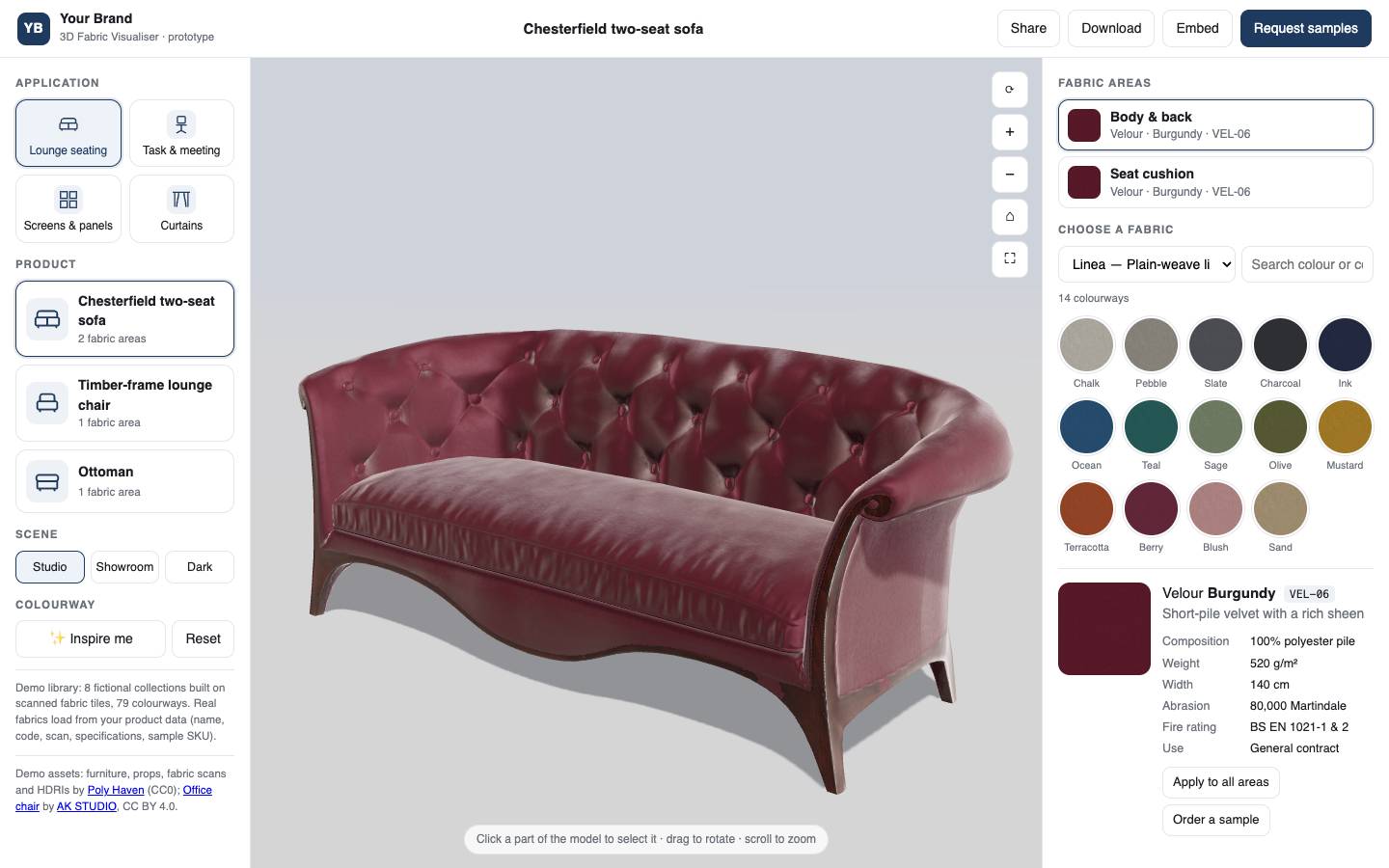
Fabric is chosen by eye and by hand, and a website offers neither. A flat swatch says nothing about how a cloth behaves over a curved arm or a deep-buttoned back, so specifiers order sample after sample and decide weeks later.
The visualiser shortens that. The fabric is shown on the real shape, in a believable light, with its technical data beside it. A specifier can try a dozen colourways in a minute, keep the two that work, and ask for samples of only those.
Capabilities
What the fabric visualiser does
Products by application
Lounge seating, task and meeting chairs, screens and panels, and curtains. Each product declares its fabric areas, such as body and back, or seat cushion.
Click a part, choose a fabric
The customer clicks the part of the 3D model they want to change, then picks a collection and a colourway. One fabric can be applied to every area at once.
Real fabrics from scans
Fabrics are built from scanned tiles of the real cloth, so weave, pile and sheen show on the model. They load from your product data: name, code, scan, specifications and sample reference.
The specification beside the swatch
Composition, weight, width, abrasion rating, fire rating and intended use sit next to each colourway, and fabrics can be searched by colour or by code.
Scenes and inspiration
Studio, showroom and dark settings show the same fabric under different light, and an 'Inspire me' button suggests combinations.
Share, embed, request samples
A configuration can be shared as a link, downloaded as an image, or embedded on another site. 'Request samples' turns what the customer built into a sample order.
Use cases
Who it is for
Fabric and textile brands
The whole collection shown on furniture, with a sample request on every colourway.
Furniture manufacturers
Each model in every upholstery option, without photographing any of them.
Contract interiors
Fabrics checked against fire and abrasion ratings while they are being chosen.
Dealers and showrooms
A shared link or an embedded view in place of a sample book.
How we deliver
From idea to sampled
Your product data
Fabric names, codes, specifications and sample references are connected as the source of truth.
Fabric scans
Each cloth is scanned and turned into a material that keeps its weave, pile and sheen.
Furniture models
Products come from your CAD files, or are modelled from drawings and photographs, with their fabric areas marked.
Your brand
The visualiser carries your name, colours and collections, and your sample-request route.
Share and embed
It goes onto product pages, into dealer portals and into proposals.
Industries we serve
Technology we use
More configurators
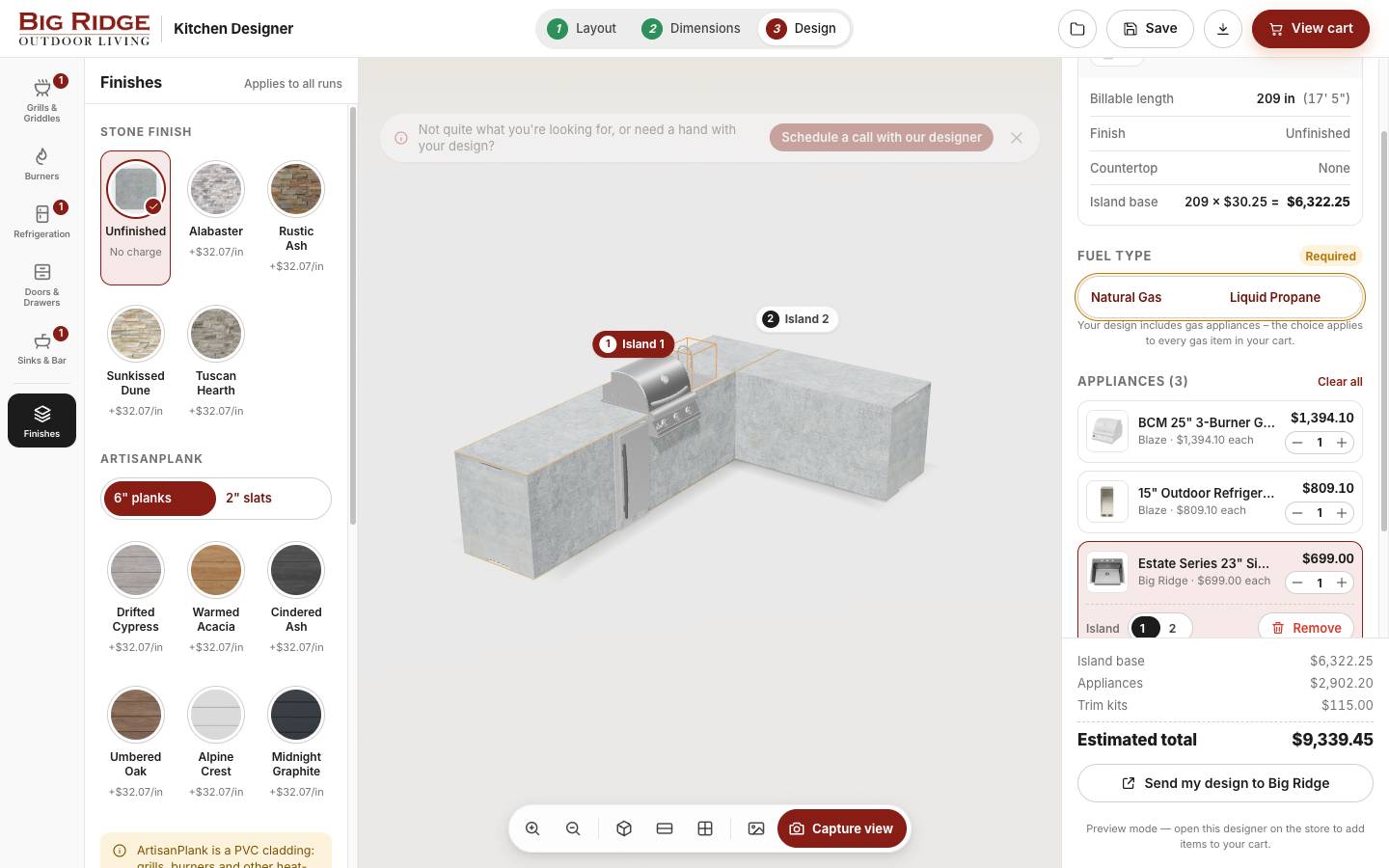
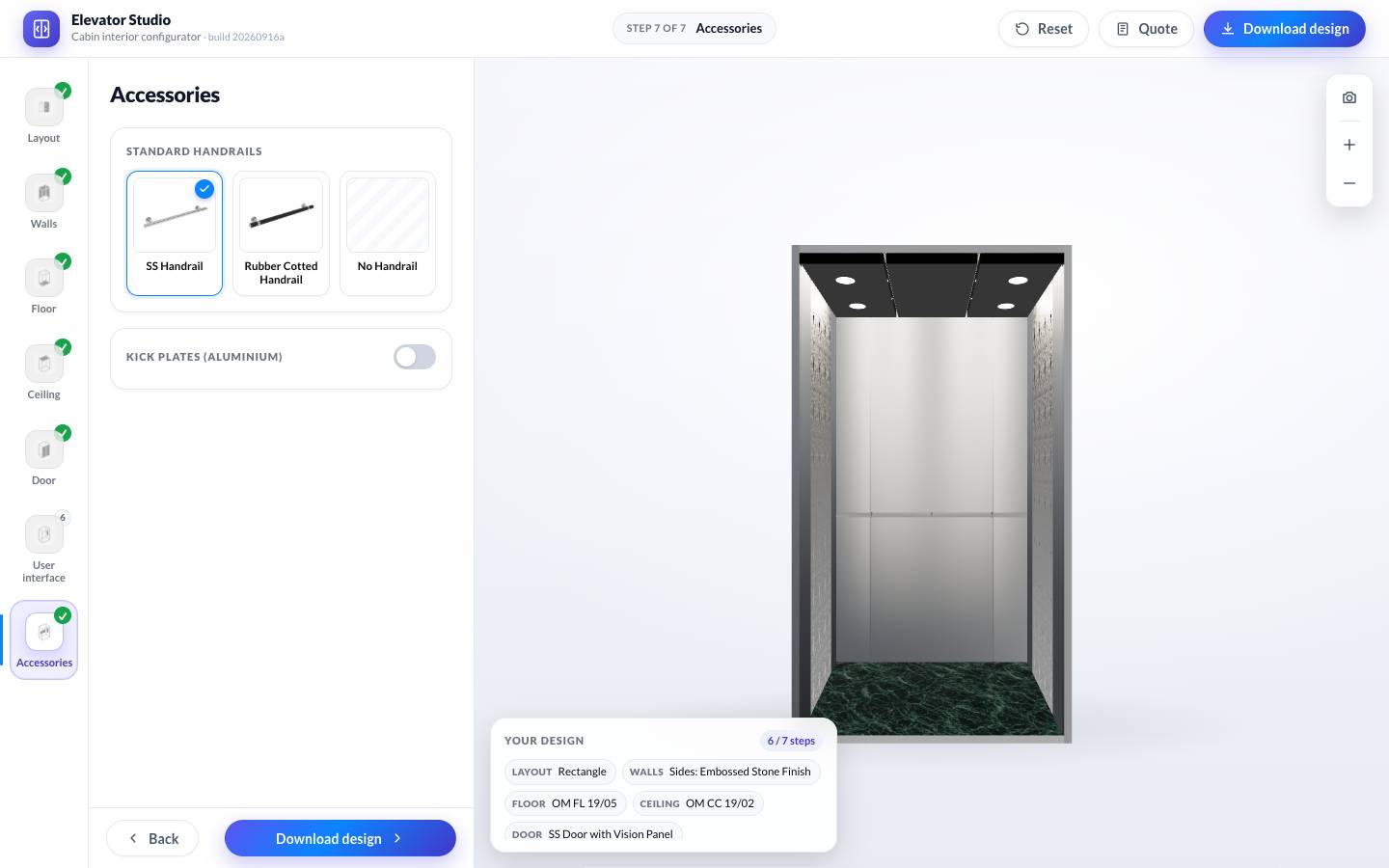
Two more you can open
FAQ
Questions we hear a lot
Where can I try the furniture configurator?
The demo runs at visualiser.prototest.tech. It opens in the browser: choose a product, click a part and start applying fabrics. The demo uses a sample fabric library and sample furniture models.
Can it show our own fabrics and furniture?
Yes. The visualiser is built to be loaded with a brand's own range. Fabrics come from your product data and scans of the real cloth, and furniture comes from your CAD files or from models we build from drawings and photographs.
Who is it for?
Fabric and textile brands that sell to furniture makers and specifiers, furniture manufacturers with a choice of upholstery, and contract interiors suppliers. It lets a specifier shortlist fabrics on the actual product before any samples are posted.
Can it be embedded in our website or product pages?
Yes. The visualiser has share and embed options, so a configured product can sit on a product page, in a dealer portal or in a proposal.
How realistic are the fabrics?
They are built from scanned tiles of the cloth with physically based materials, so the weave, the direction of the pile and the way the surface catches light carry over to the 3D model. Changing the scene shows the same fabric in different lighting.